Startup
Also see Music: Startup
Video
Stages
Chamber Prep
During this stage, there is a flashing button with a screen, in the shape of an iPod. When the button is clicked, the reactor chamber doors open, and a vacuum starts, initiating the light "Reactor Vacuum Active."
Containment Field Ignition
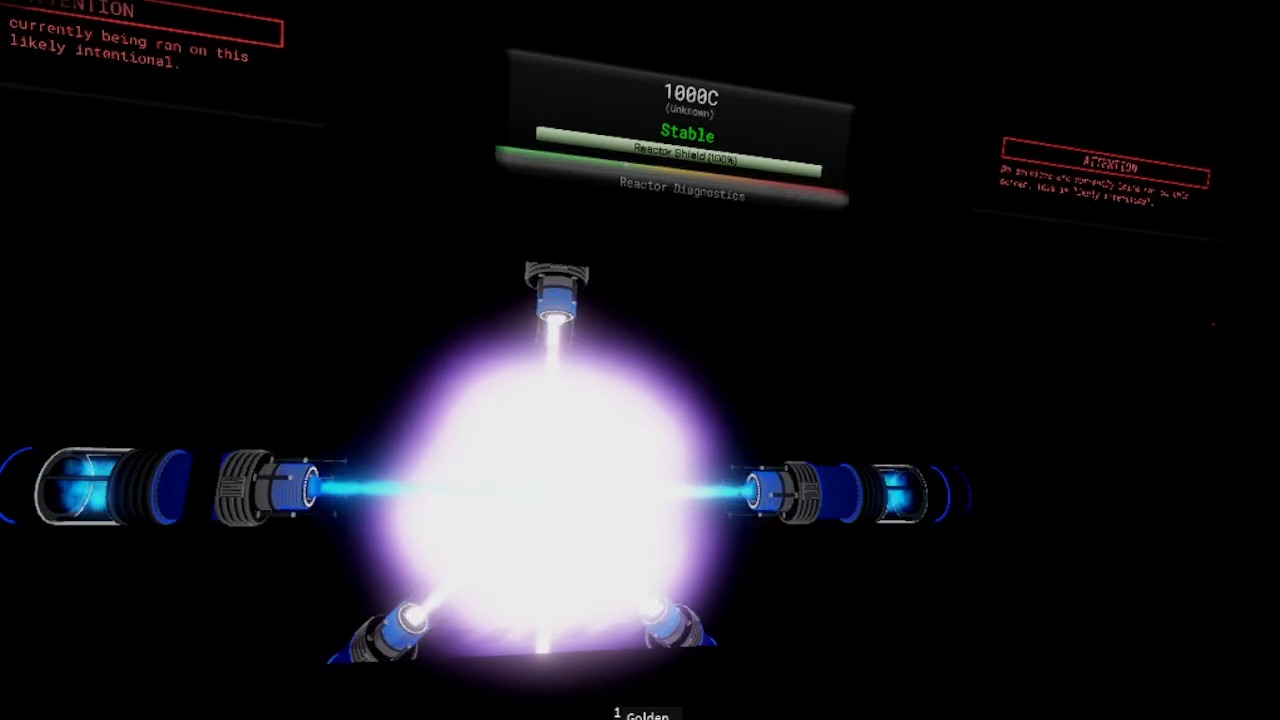
When the blue button is pressed, the containment laser doors open; then the containment lasers start powering up the Reactor Shield. Once the shield reaches 100%, the Main Reactor Ignition button starts blinking.
Main Reactor Ignition
Once this button is pressed, the lasers start flashing with an alarm, the voice then says "Injecting fuel solution into lasers.". Once the fuel injection is complete, the voice says "Lasers ready.", and the facility lights blackout. After this, the laser's tips start spinning, indicating that they are starting the reaction. Once the core is started, the lights come back on, and the controls are enabled.